
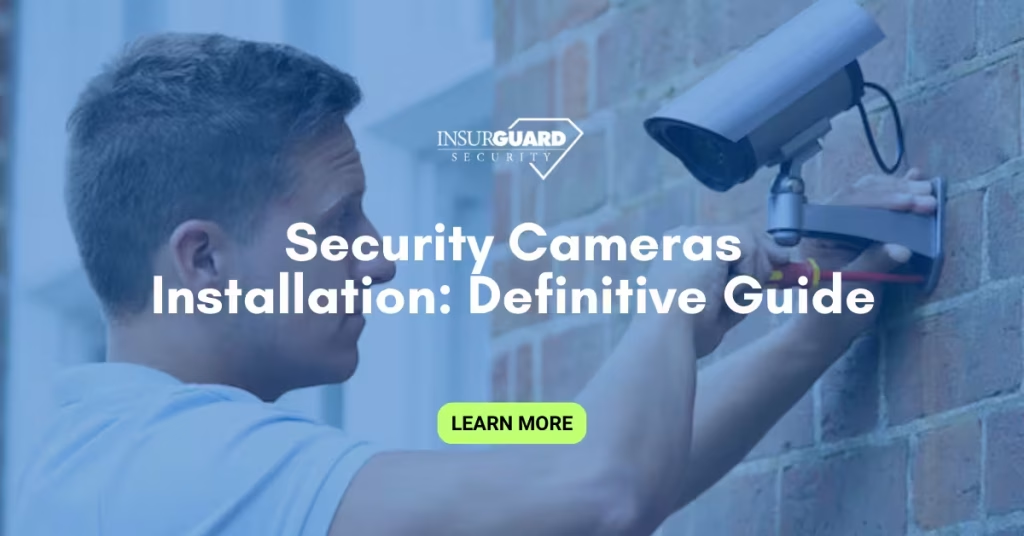
Security camera installation involves more than mounting a camera on a wall.
It includes selecting the right camera system, planning coverage, running cable or configuring wireless systems, connecting a digital video recorder or network video recorder, and testing the entire surveillance system for reliability.
For homeowners, it protects entry points, living room spaces, and blind spots around the property. For small business owners, it helps monitor parking lots, office buildings, commercial buildings, and customer areas.
A properly installed video surveillance setup provides peace of mind, improves user experience, and supports investigations if incidents occur.
Types of Security Camera Systems
Before scheduling installation services, understand the main types of security camera systems available.
IP cameras
These connect through a network and are common in modern IP security camera systems.
They offer high resolution, remote access, and strong image quality. Many use POE power, meaning a single Ethernet cable handles both power and data.
CCTV Security Camera Systems
Traditional analog cameras connect to a DVR using a Siamese BNC cable. They are often used in basic home security camera installation or smaller commercial projects. Wi-Fi cameras and wireless systems
These rely on a personawi-fifi network instead of cable runs. They are easier to install but may experience connectivity issues when signal strength is weak.
Dome Cameras and Outdoor Security Camera options
Dome cameras are common for indoor camera setups in retail or office buildings.
Outdoor camera models are weather-rated and built to handle impact, precipitation, and changing lighting conditions.
Choosing between analog cameras and IP cameras depends on budget, desired video quality, and scalability.
The Security Cameras Installation Process
Professional security camera installation follows a structured installation process.
Site assessment
Installers evaluate entry points, building sides, camera angles, lighting conditions, and blind spots. The goal is to achieve the most coverage with the fewest cameras.System design
Decide on types of security camera systems, field of view requirements, motion detection zones, audio recording needs, and storage capacity for hard drive retention.Wiring and infrastructure
For wired systems, this includes cable runs, powerline planning, single Ethernet cable placement, and proper power source configuration. For wireless systems, network strength is tested to prevent data transfer failures.Mounting and alignment
Cameras are mounted at the correct height and point of focus to avoid glare, poor video quality, or limited camera coverage.Recorder and configuration
A digital video recorder or NVR is installed. Settings are configured for high definition recording, remote access, smart TV viewing if required, and integration with security solutions.Testing and training
Installers verify image quality, remote access, and backup recording. Owners receive instructions on best practices and system management.
DIY installation is possible using common household tools, but complex commercial installations benefit from Security Camera Installation Services.
Key Considerations Before Installation
Coverage planning
Focus on entry points, parking lots, the sides of buildings, and wider coverage area needs. Avoid placing only in obvious areas; many incidents occur in blind spots.
Lighting and environment
Poor lighting conditions reduce image quality. High-resolution cameras with infrared improve performance in low light.
Network reliability: Wi-Fi cameras depend on stable connectivity. If your personawi-fifi network is inconsistent, wired IP security camera systems are safer.
Storage requirements
Hard drive capacity determines how long footage is retained. Higher video quality and motion detection sensitivity increase storage usage.
Compliance and privacy
Commercial building installations may require signage and policy compliance.
Security Camera Installation Costs
Security camera installation costs vary based on:
Number of cameras
Camera type, such as dome cameras or outdoor camera units
Complexity of cable runs
Need for POE power upgrades
Recorder type and hard drive size
Labor rates for professional installation
Home security camera installation typically costs less than commercial camera surveillance projects that require broader surveillance solutions and advanced video surveillance features.
While DIY installation reduces labor costs, errors in camera angles, power supply planning, or recorder setup often lead to higher long-term expenses.
Maintenance and Long-Term Performance
Once security cameras are installed, maintenance protects your investment.
Inspect cable runs and power source connections annually
Clean lenses to maintain high definition clarity
Update firmware on IP cameras
Test motion detection and remote access
Monitor hard drive health
Regular checks prevent system failures and ensure continuous, reliable performance of the security camera installation.
What to Evaluate Before Hiring an Installer
Before choosing a provider, confirm:
Experience with both IP Security Camera Systems and CCTV Security Camera setups
Clear breakdown of Security camera installation costs
Support for future upgrades
Knowledge of surveillance technology and data transfer systems
Warranty coverage
The right installation services focus on proper system design, not just mounting equipment.
Security camera installation is not only about hardware. It is about strategic placement, network reliability, and long-term security solutions. Whether protecting a home or managing camera surveillance across commercial buildings, a well-planned surveillance system delivers reliable protection and real peace of mind.
